Page 1 of 1
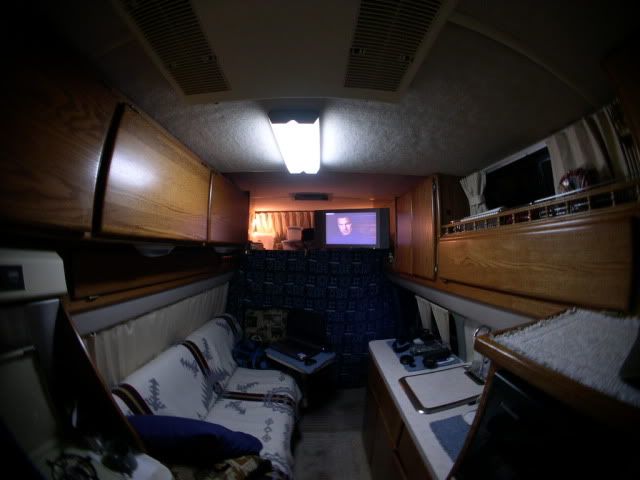
Post your Interior pictures...
Posted: Wed Feb 06, 2008 2:33 pm
by Alaskan
Re: Post your Interior pictures...
Posted: Sun Jun 05, 2011 11:44 am
by Denco
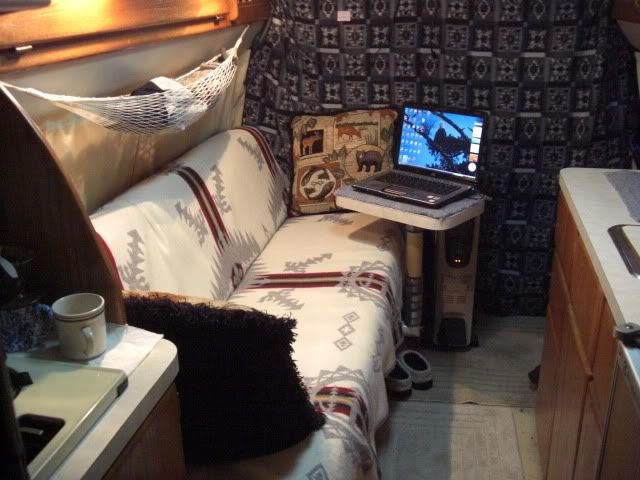
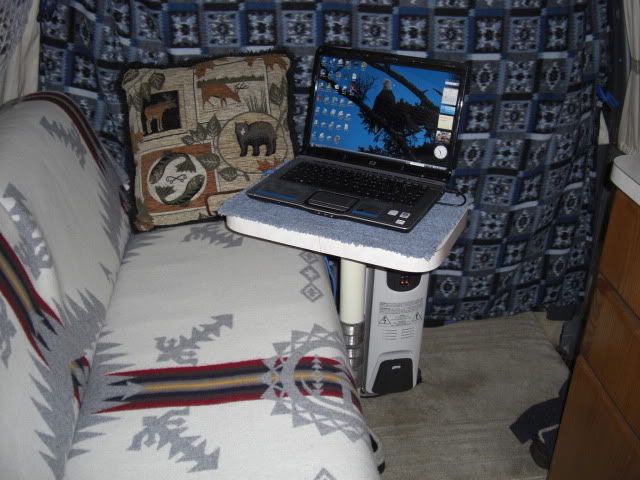
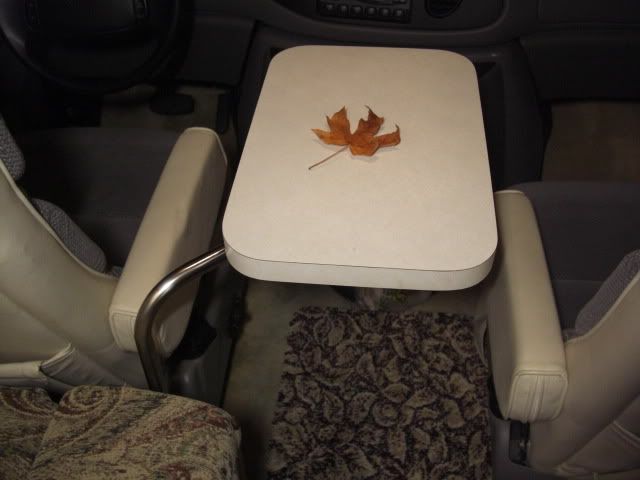
Dave did you move the floor mount for the table? I like the small table thing you did. very cool.
Nice little table
Posted: Tue Jun 07, 2011 7:57 pm
by RobertL
Nice Table- Did you purchase or make it yourself? Is that a telescopic post I spy also?
?? How do I upload pics to this forum. We have a Mac?
Posted: Tue Jun 07, 2011 10:30 pm
by Alaskan
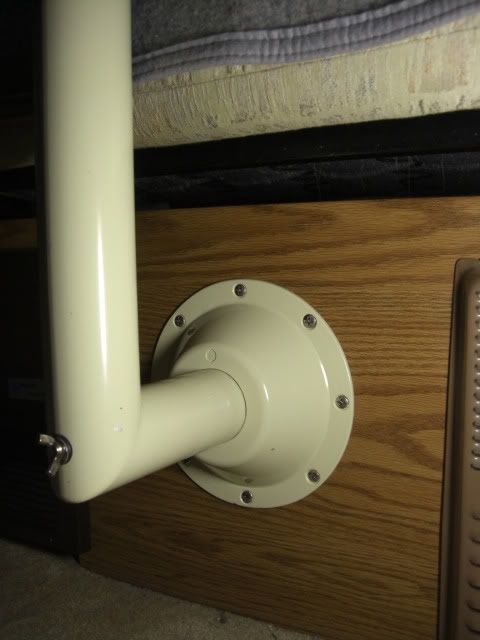
Denis....nope, its still there...you being a boater also, you'll recognize the mounting flange I used.
Robert....
The base plate, which I mounted on the vertical front is a marine item.
The post, which is not telescopic, is the original, I just mitered it 90-degrees near the bottom, tig-welded it back together and then powder coated it
I'll find some additional pictures here somewhere...
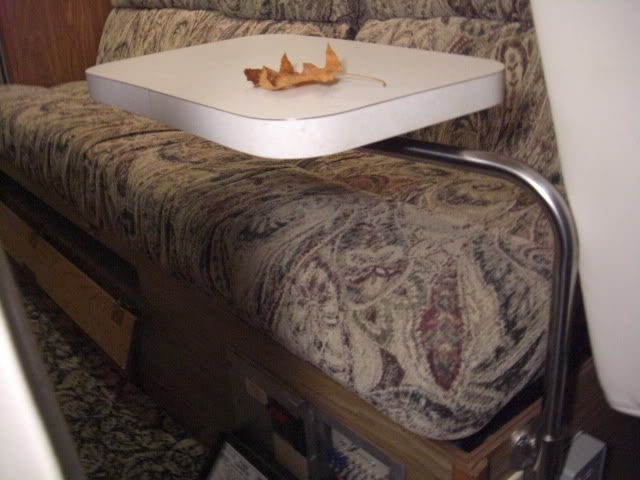
But the "new version table" (3 pictures below) is stainless tubing and is much more versatile and mounts on the end of the couch base. It will even swing around to a position between the seats....the top used here had been that counter extension that flipped up.
NICE!
Posted: Thu Jun 09, 2011 8:45 pm
by RobertL
Great Idea.
Now--- How do I load up my pics on this link?
I have a mac.
Posted: Fri Jun 10, 2011 1:25 am
by Alaskan
Robert...pictures used in posts, at pretty much any message board, need to be "hosted" on the internet so they have an address on the net.
Photobucket.com is the most popular, easiest to use and free. They have recently expanded their services to include a much larger picture count and hosting video clips also...
Simply sign up and upload pictures from your computer or your camera's memory card into your photobucket account....in the upload process you want to select 640x480 as the picture size. Pictures at 640x 480 (size) are the correct size to not expand the width of a forum post..
Once you have done that come back right here and post back to me and we'll go to the next step of showing you how to then include pictures within your forum posts...
Dave...